

Behind the scenes
How Hand Tracking Turns Gestures Into Music
See how Gesture Synth turns webcam hand tracking into playable chords, chord quality, volume, octave, and filter movement in the browser.
Read articlePractical guides and behind-the-scenes notes for setting up webcam hand tracking, understanding the browser synth, and practicing expressive chord changes.
Project field notes
3 practical reads on setup, the system behind the sound, and musical practice.
See how Gesture Synth turns webcam hand tracking into playable chords, chord quality, volume, octave, and filter movement in the browser.
Read article
Practice simple Gesture Synth chord progressions with I-IV-V-I, I-V-vi-IV, and vi-IV-I-V patterns before adding inversions, sevenths, and expression.
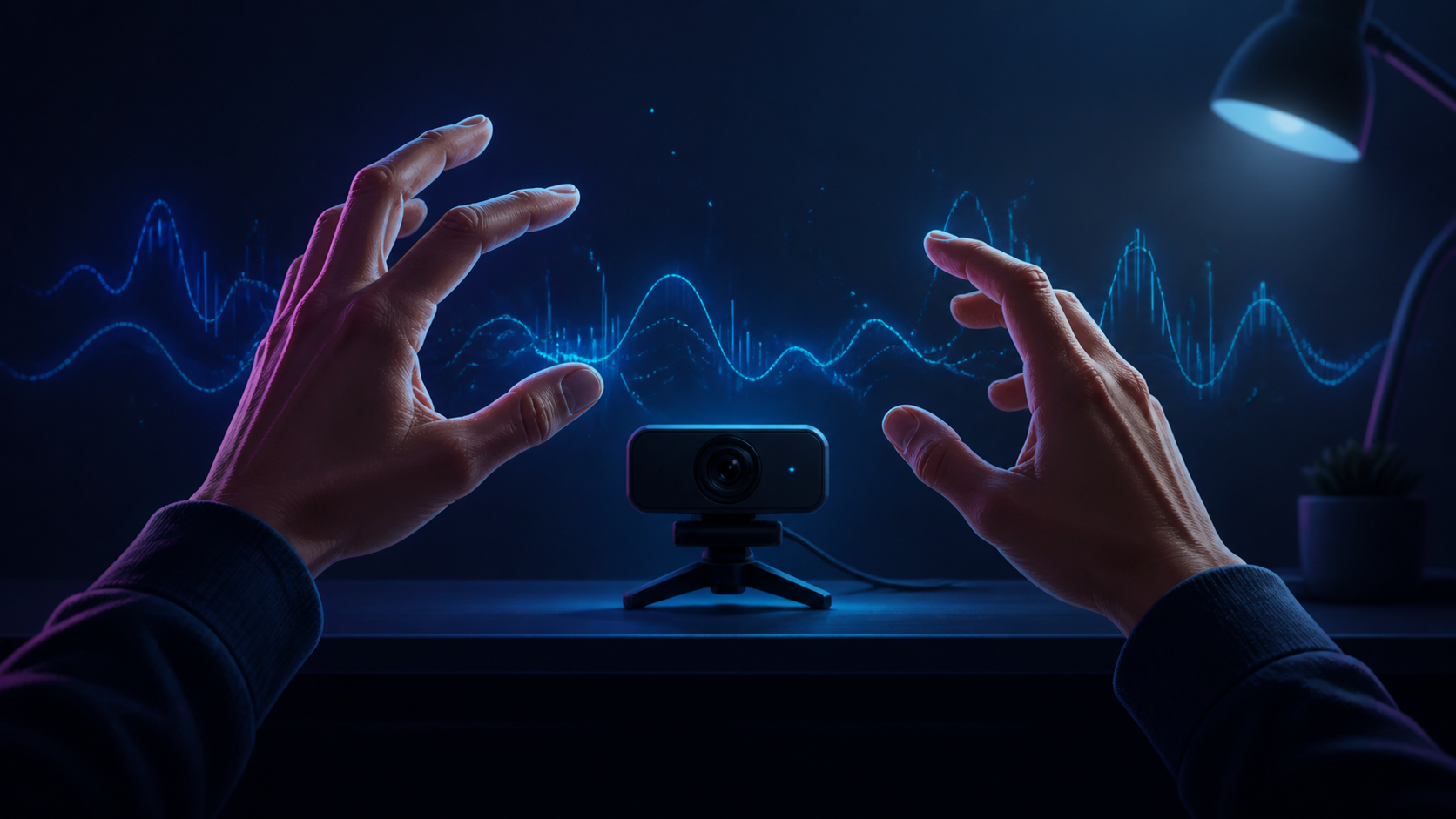
Set up a reliable webcam session for Gesture Synth with practical advice for lighting, framing, permissions, hand tracking, and sound.
Choose a path
The blog explains the ideas behind Gesture Synth: how a webcam image becomes chords, how to set up a room so tracking stays stable, and how to practice chord changes without reading sheet music. Step-by-step instructions live in the guides; the posts here cover the reasoning behind them.
New to the instrumentRead the camera setup post first, then try the beginner guide before opening the play page.
Curious how it worksThe hand tracking post walks from camera frames to landmarks to chord decisions, and explains why some gestures are harder to detect than others.
Want to practice musicThe chord progression post gives short exercises. The chord guide is the reference to keep open while you play.
A quick exercise
Open the play page and choose the no-camera option first. Hold I, IV, and V in turn with the on-screen cards or number keys, then press M once to hear how the same degree changes between major and minor. When those changes feel predictable, switch to camera mode and repeat the sequence with your left hand. Keep your palm and wrist inside the frame; if a chord flickers or disappears, return to the camera setup post and check lighting, distance, and hand position.
Need more detailed steps? Browse the guides. If a page does not match what you see in the instrument, send the page URL and your browser details through the contact page.