
How Hand Tracking Turns Gestures Into Music
See how Gesture Synth turns webcam hand tracking into playable chords, chord quality, volume, octave, and filter movement in the browser.
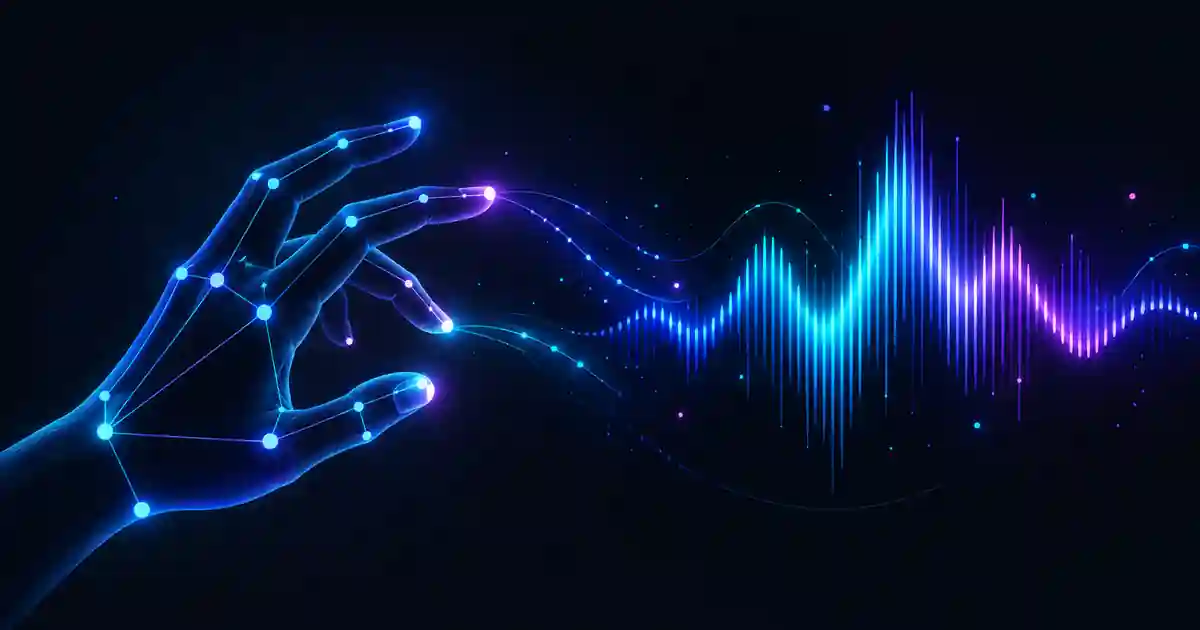
Gesture Synth turns a webcam view into a playable instrument by reducing hand movement to a small set of musical controls. The camera does not create sound directly: hand landmarks are recognized first, then those landmarks are translated into chord and expression decisions for the browser synth.
From camera frames to hand landmarks
After you choose Start playing, the play page requests camera access and MediaPipe analyzes the video frames in the browser. The useful output is a set of hand landmarks: points for the wrist, finger joints, and fingertips that can be measured without treating the raw image as a musical control surface.
Gesture Synth uses those points to detect raised fingers, thumb extension, wrist orientation, and vertical hand position. Keeping both hands fully visible and separated gives the tracker cleaner geometry to work with.
What the landmark model gives the instrument
A hand landmark result is not a finished musical gesture. It is a geometric description of the hand: a wrist point plus joint and fingertip positions that move from frame to frame. Gesture Synth still has to compare those positions, decide which fingers are extended, distinguish left from right, interpret wrist orientation, and turn continuous movement into a smaller set of stable controls.
That distinction matters when troubleshooting. If the webcam can see a hand but a finger is half-bent, the landmark detector may be working correctly while the musical classifier is close to a threshold between two gestures. Clear finger shapes and a visible wrist give the next stage of the pipeline better evidence.
The left hand chooses harmony
The left hand maps to scale degrees I through VII. One through five extended fingers cover I through V, while VI and VII use dedicated finger combinations. The left wrist also determines major or minor context, so the same degree gesture can participate in a different harmonic color without changing the selected root position in the scale.
If you want the exact gesture map and examples in G major, use the Gesture Synth chord guide.
The right hand shapes the chord
The right hand selects chord quality with one to four raised fingers. The available qualities include the base major or minor shape, a first inversion, seventh color, and dominant or diminished seventh behavior depending on the current mode. Extending the thumb moves the chosen quality one octave lower.
The same hand also controls expression. Moving it vertically changes volume, while wrist tilt sweeps the synth filter. This keeps note choice and expressive movement connected to the same physical performance instead of splitting them across unrelated controls.
Why Gesture Synth stabilizes a gesture before playing it
Camera landmarks move slightly even when your hand appears still. Gesture Synth therefore waits briefly for a candidate chord to remain stable before committing it. That small delay reduces accidental chord changes caused by a fingertip crossing a detection threshold for a single frame.
- Hold a new finger shape briefly instead of flicking through it.
- Bring a lost hand back into frame before changing the other hand.
- Use front lighting so fingertip and wrist positions remain easier to detect.
Where latency comes from
The time between moving a finger and hearing a chord is a chain rather than a single delay. The webcam exposes a frame, the browser runs landmark inference, Gesture Synth classifies and stabilizes the gesture, and Web Audio schedules and outputs the sound. Bluetooth speakers or headphones can add another delay after synthesis even when tracking is responsive.
For a clean test, use a simple gesture, close other camera-heavy applications, and compare built-in or wired audio with Bluetooth output. If the visual state changes quickly but sound arrives late, investigate the audio path. If both recognition and sound lag, device load or camera/inference performance is the more likely source.
The final step is Web Audio
Once the gesture state is stable, Gesture Synth converts the selected degree and quality into chord frequencies and sends them to its Web Audio synthesizer. The synth then applies waveform, gain, and filter behavior while the current right-hand position continues to shape the sound.
To learn the controls in order, start with the step-by-step Gesture Synth tutorial. If you already know a chord progression and want to perform it with hand gestures, continue to the song chord guide.
The privacy boundary is separate from the music mapping
Gesture Synth needs live camera frames for landmark inference, but the application does not upload or store those frames. The browser also downloads MediaPipe runtime and model resources over the network, and production pages use analytics, so local hand tracking should not be confused with an entirely offline website. The webcam privacy explainer separates camera processing from ordinary web resource and analytics requests.